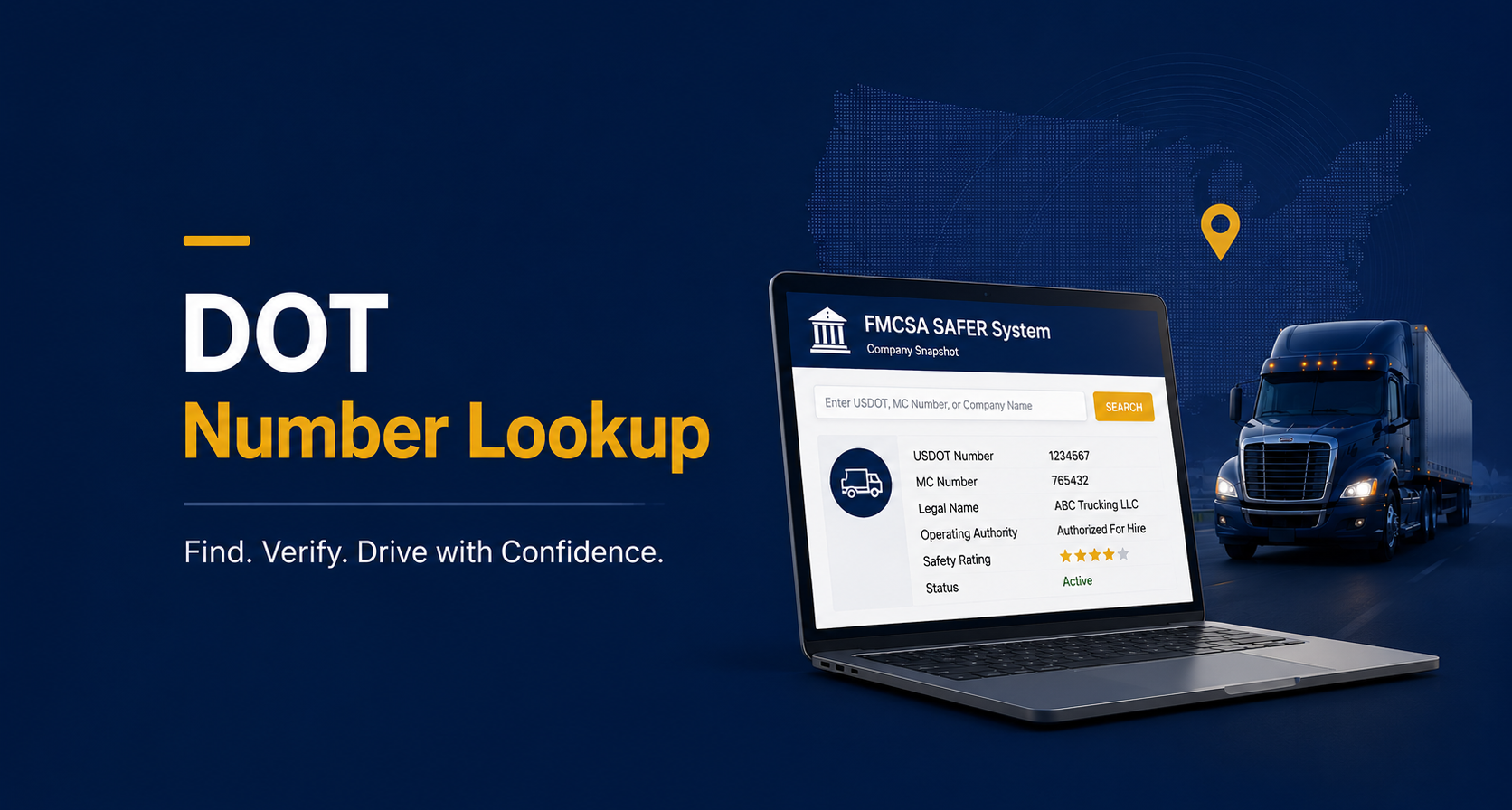
A DOT number lookup is the process of searching FMCSA records to find a carrier's USDOT number, verify its operating authority, and check its safety history. It works whether you are trying to find your own number, confirm a carrier's status before booking a load, or check a company's standing before signing on as a driver.
The FMCSA maintains this data publicly, which means anyone can run a lookup without a subscription or special access. What trips people up is not the lookup itself, but knowing which tool to use for which situation.
What Is a DOT Number Lookup?
A USDOT number is a unique identifier the FMCSA assigns to every commercial motor carrier operating in interstate commerce. A DOT number lookup is simply the act of searching that federal system to pull up a carrier's registration profile, which typically includes its legal name, operating authority status, safety rating, and fleet size.
A USDOT number is not the same thing as operating authority. The number identifies a company in the FMCSA system, while authority, historically issued as an MC number, grants the legal right to haul regulated freight for hire. The difference is covered in more depth in the guide on USDOT number vs MC number, since a lookup often returns both identifiers on the same record.
The lookup itself is not a specialized skill. It is a public search against a federal database, and the FMCSA designed the tool to be usable without any prior familiarity with trucking regulations. What matters more is knowing what the results actually mean once you have them in front of you.
How to Look Up Your Own DOT Number
If you have misplaced your number or simply need to confirm it, there are a few reliable ways to track it down.
Check Your Truck
The FMCSA requires every registered carrier to display its USDOT number on both sides of the vehicle in legible lettering. This is often the fastest way to confirm a number if the truck is sitting in front of you.
Check Your Registration Documents
Your USDOT number appears on the original registration paperwork the FMCSA issued when you first registered. Any confirmation email or printed certificate from that process will have it listed.
Search the FMCSA SAFER System
If neither of those options work, FMCSA's SAFER system lets you search directly by company name or other identifying details. It is the same public tool used for looking up any other carrier, and it requires no login or account to use.
How to Look Up Another Carrier's DOT Number
Whether you are a broker vetting a new carrier or a driver checking a prospective employer, the process runs through the same public system.
Search by Company Name
The SAFER system's Company Snapshot tool accepts a business name as a search input, which is useful when you only know who you are dealing with, not their specific number. Results can include multiple similarly named companies, so cross-checking the address or officer name helps confirm you have the right one.
Search by USDOT or MC Number
If you already have the number, searching directly returns the fastest, most precise result. This method skips any ambiguity that comes with a name-based search, particularly for carriers with generic or common business names.
What Information a DOT Number Lookup Returns
A completed lookup typically surfaces a full snapshot of a carrier's federal profile, not just a confirmation that the number exists.
- Legal business name and any DBA on file
- Physical address and mailing address
- Operating authority status, active, pending, or revoked
- Safety rating, where one has been issued
- Fleet size, including power units and drivers
- Interstate or intrastate operating classification
Mismatches within this data, such as an address shared with a previously flagged company, are often the first sign of a chameleon carrier attempting to operate under a new identity after a bad safety history elsewhere.
Not every field returns a value for every carrier. A safety rating in particular is often blank, since the FMCSA only issues one following a formal compliance review, and most carriers operate for years without ever undergoing one. A blank safety rating field is not itself a warning sign, it simply means no review has taken place yet.
DOT Number vs MC Number - What Shows Up in a Lookup
A single lookup often returns both a USDOT number and an MC number on the same record, since many carriers hold both. The USDOT number is the primary identifier tied to safety and compliance data, while the MC number specifically relates to for-hire interstate operating authority.
Not every carrier has an MC number. Private carriers hauling only their own freight, or those operating solely within a single state, may have a USDOT number without ever needing separate operating authority. This is why a lookup result showing a USDOT number but no MC number is not automatically a red flag.
Why Businesses Run a DOT Number Lookup
The reasons vary by who is running the search, but the underlying goal is usually the same: confirming a carrier is who it claims to be before money or freight changes hands. A freight broker running a lookup before tendering a load is checking for active authority and a clean safety record, since booking an unverified carrier creates real liability exposure.
An insurance agency pulls the same kind of data during the quoting process, using fleet size and authority history to assess risk before writing a policy. Drivers considering a new carrier run a lookup for the opposite reason, checking whether a prospective employer maintains active authority and a reasonable safety record before signing on.
Law enforcement and roadside inspectors also rely on the same underlying data during traffic stops and compliance checks, confirming a vehicle's authority and safety standing in real time rather than taking a driver's word for it. The fact that one public system serves such a wide range of use cases is part of why keeping it accurate matters so much across the entire industry.
What to Do If Your DOT Number Is Inactive or Revoked
An inactive or revoked status usually traces back to a specific, fixable issue rather than something permanent.
- Identify the cause, commonly expired insurance, outdated registration information, or an unresolved compliance violation
- Resolve the underlying issue, such as submitting updated proof of insurance to the FMCSA
- Update any outdated business information through your FMCSA account
- File a reinstatement request through the FMCSA, which may involve a fee or additional documentation
A history of lapses or reinstatements also tends to show up in how a carrier is evaluated going forward. This is part of what TruScore weighs when grading a carrier's authority track record, since a pattern of status changes reads differently than a single, isolated lapse.
Timing matters here as much as the fix itself. A carrier that catches a lapse quickly and resolves it within days looks very different on paper than one that lets a revoked status sit unaddressed for months, even if the underlying cause was similar in both cases.
Frequently Asked Questions
Is a DOT number lookup free?
Yes. The FMCSA's SAFER system is a free, public tool, and basic lookups do not require an account, login, or subscription of any kind.
Can I look up a carrier's DOT number by name only?
Yes, the Company Snapshot tool accepts a business name as a search term. Results can return multiple similarly named companies, so verifying the address or other details helps confirm you found the right one.
How often is FMCSA lookup data updated?
FMCSA data updates on an ongoing basis as carriers file changes, though the frequency of any individual update depends on what triggered it, such as a new registration, an insurance filing, or a compliance review outcome.
What's the difference between a DOT number lookup and a CSA score check?
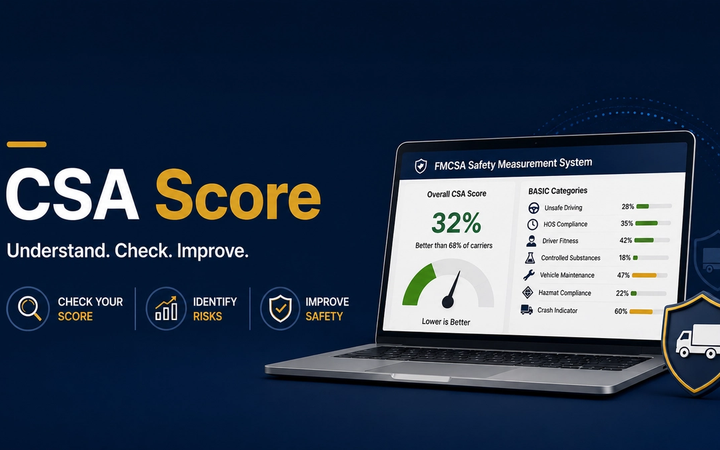
A DOT number lookup returns a carrier's general registration profile, including authority and safety rating. A CSA score check goes deeper into a carrier's specific inspection and violation history across each BASIC category. A DOT audit outcome, by contrast, reflects a formal compliance review rather than an ongoing score, and both can factor into what a lookup ultimately shows.
Do I need to log in to use FMCSA's lookup tool?
No. Basic searches through the SAFER system are available to the public without creating an account. A login is only relevant if a carrier is managing its own registration details directly.
For teams running lookups on a regular basis, whether to vet a new carrier or track changes on carriers they already work with, TruckScribe keeps this same underlying FMCSA data refreshed and organized in one place, rather than requiring a fresh manual search every time.